




484px bottom awareness
TikTok has the largest bottom overlay of any platform — captions, hashtags, music ticker, and CTA buttons all stack here.
TikTok Safe Zone Checker
Check your TikTok safe zone before posting. Upload images or videos to see what gets covered by captions and buttons — free tool, instant results.
TikTok
Upload Image or Video
9:16 recommended
JPG, PNG, WebP, MP4, MOV · Max 50MB
Safe Zone Specs
TikTok has the largest bottom overlay of any platform — captions, hashtags, music ticker, and CTA buttons all stack here.
The 140px right margin accounts for the like, comment, bookmark, share, and creator avatar stack.
See how the "For You / Following" tab switcher and search icon affect the top of your frame.
Preview how multi-line captions expand upward and further shrink the visible content area.
What It Does
The TikTok safe zone is the 896×1306px area within a 1080×1920 canvas where your text, graphics, and key visuals remain fully visible. TikTok's interface is the most aggressive of all platforms — with a 484px bottom overlay for captions, music info, and CTAs, plus a 140px right column for interaction icons.
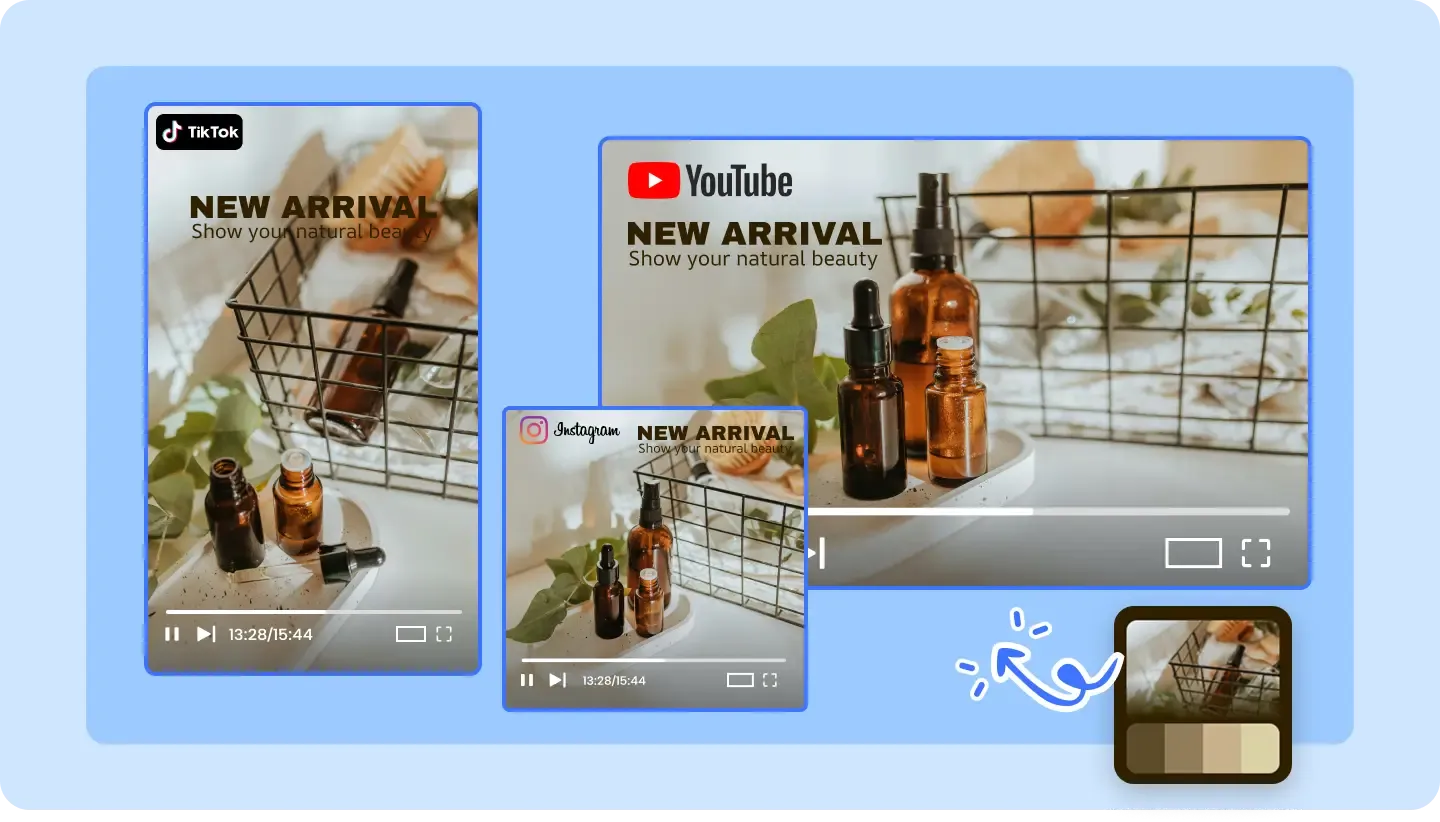
The top 130 pixels are covered by the "For You / Following" tab bar, search icon, and status bar.
The bottom 484 pixels hold the caption text, hashtags, music ticker, "Add to Favorites" button, and the navigation bar. This is the largest bottom margin of any major platform.
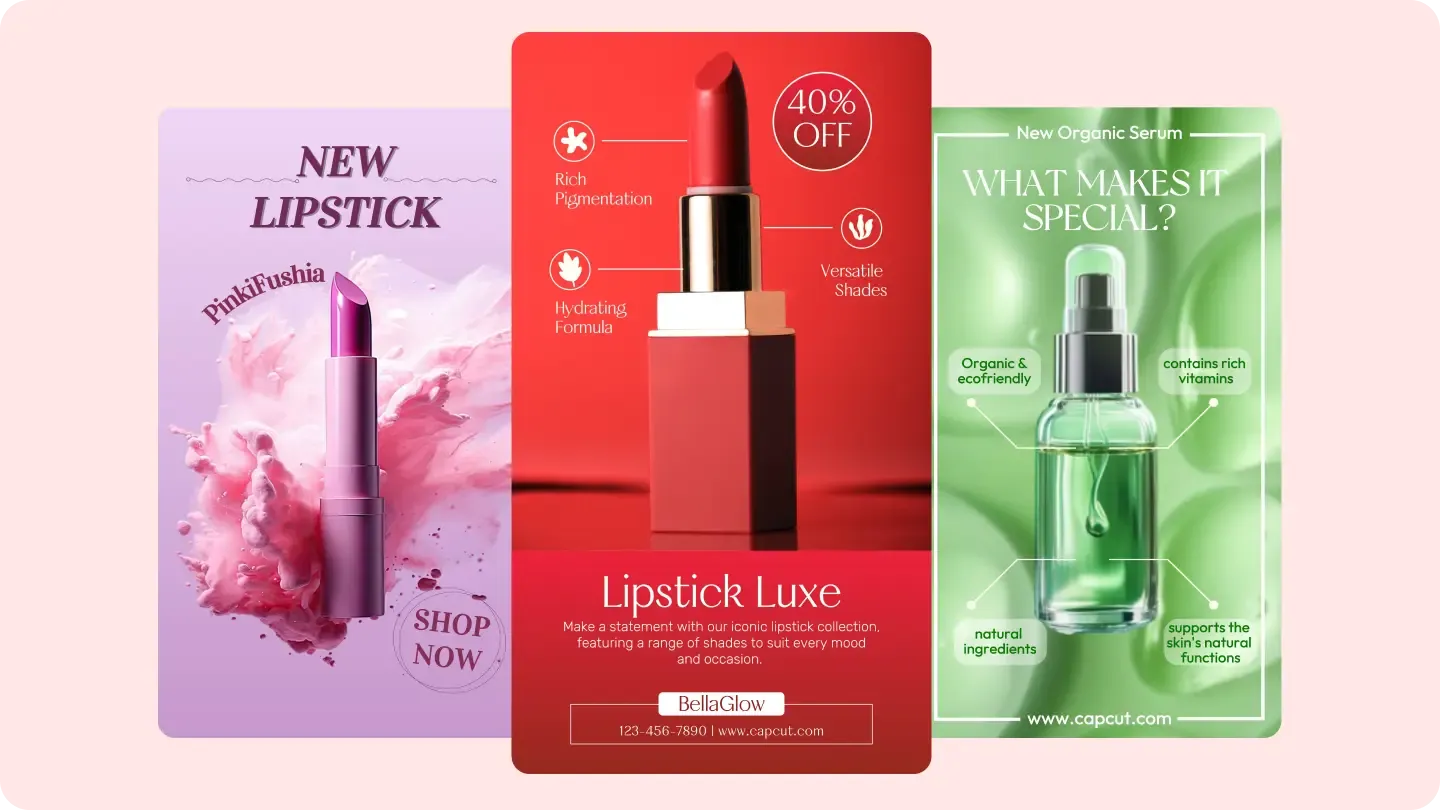
The right 140px hosts the profile avatar, like, comment, bookmark, share, and "use sound" icons stacked vertically. The left has a slim 44px buffer.
Why AdConvert
TikTok's first 1-2 seconds decide whether viewers stay — if your hook text is clipped, you lose them immediately.
With 484px eaten by the bottom bar, every pixel of your safe area counts — place product claims and price info where they are guaranteed to be seen.
TikTok ads with properly placed CTAs and text see higher click-through rates — the algorithm favors content with strong engagement signals.
Before & After
| Dimension | Without AdConvert | With AdConvert |
|---|---|---|
| Hook text visibility | Opening text partially covered by For You tab | Hook text placed in the clear 896×1306 zone |
| Product info placement | Price and CTA lost behind caption and music bar | Key info elevated above the 484px bottom zone |
| Right-side conflict | Logo or watermark blocked by the icon column | Brand elements placed clear of the 140px right margin |
| Cross-platform reuse | Same creative used on TikTok and Reels without adjustment | Platform-specific safe zone applied before each upload |
How it works

Drop your 1080×1920 thumbnail, frame, or cover image into the checker.

The tool maps TikTok's exact UI positions — bottom caption stack, right-side icons, and top navigation.

Move text and graphics into the 896×1306 safe area, then re-upload to double-check.
FAQ
Common questions about this tool.
It is the 896×1306px area within the 1080×1920 TikTok canvas where content stays visible. TikTok's UI — caption bar, music ticker, interaction icons, and navigation tabs — covers everything outside this zone.
The safe zone is 896×1306px. Margins are: top 130px, bottom 484px, left 44px, right 140px. The bottom margin is the largest of any platform due to TikTok's stacked caption, hashtag, and music ticker UI.
TikTok stacks multiple UI elements at the bottom: the creator username, caption text (which can expand to multiple lines), hashtags, the music/audio ticker, and the bottom navigation bar. Together these consume about 484 pixels.
Very similar, but TikTok ads may include an additional CTA button ("Shop Now", "Learn More") at the bottom that further reduces the visible area. Always check ad-specific overlays too.
No. TikTok has a much larger bottom margin (484px vs 320px) and wider right margin (140px vs 120px). If you reuse Reels content on TikTok without adjusting, key text may be hidden by TikTok's more aggressive UI overlays.
TikTok captions expand upward when they have multiple lines. A 3-4 line caption can push the visible bottom boundary even higher than 484px. If your video includes long descriptions, test with the caption expanded.
Cross-Platform

Optimize for TikTok's UI
Free to start · AI-powered ad creative system · Trusted by performance teams