




Remove visual noise for ecommerce
A clean product background remover strips distracting backgrounds so your ad layouts are easier to scan — critical for ecommerce product cutout quality.
Background Remover for Ads
Remove product backgrounds in seconds for cleaner ad creatives. AI-powered cutouts go straight to your design and ad production workflow. Try free today.

A clean product background remover strips distracting backgrounds so your ad layouts are easier to scan — critical for ecommerce product cutout quality.
The product cutout tool unblocks image ads, template workflows, and marketplace-ready exports — cutting layout setup time by hours.
Standardized product backgrounds removed at scale reduce visual variation across campaigns, keeping every SKU looking on-brand.
What It Does
A **background remover for ads** isolates your product with a clean cutout in seconds. Go straight from raw photo to ad-ready asset.
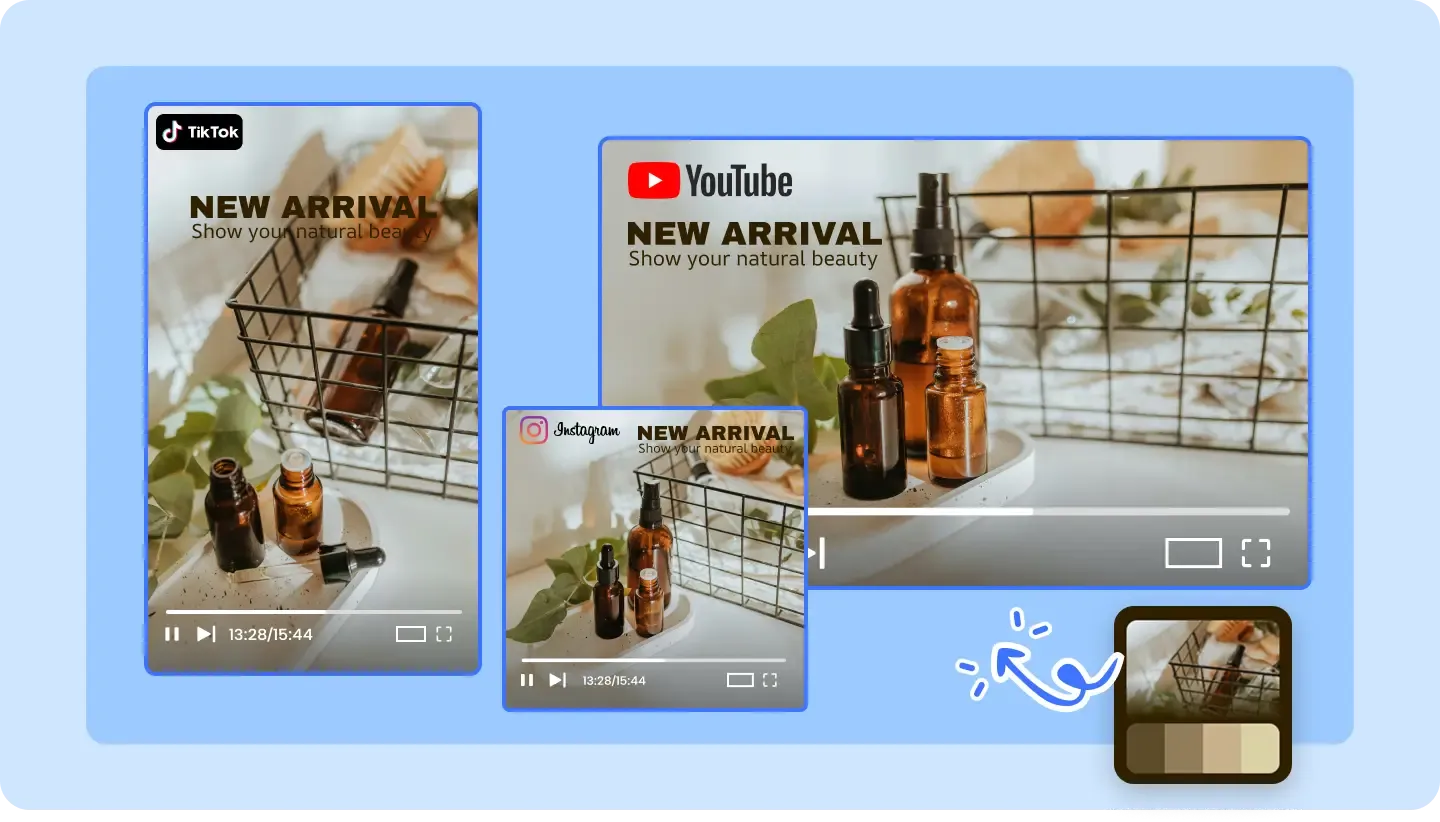
Upload any product photo and get a clean cutout in seconds — AI handles complex edges, hair, transparent objects, and shadows with studio-quality precision. The algorithm is trained specifically on product photography, delivering cleaner results than general-purpose background removers.
Don't just remove — replace. Choose from lifestyle scenes, solid colors, gradients, or custom branded backgrounds optimized for ad performance. Place your product in contextual environments that drive higher click-through rates, from kitchen countertops to lifestyle flat-lays.
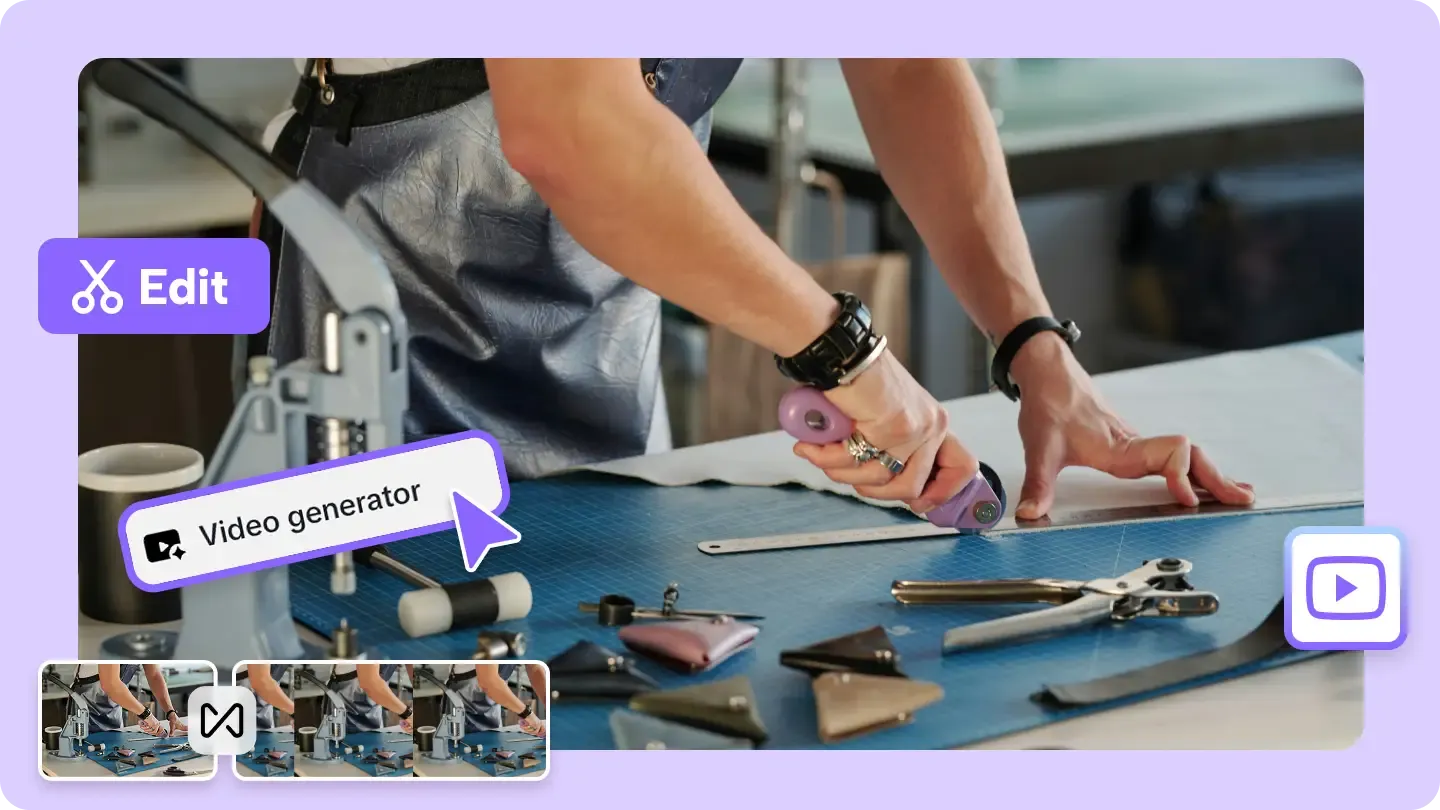
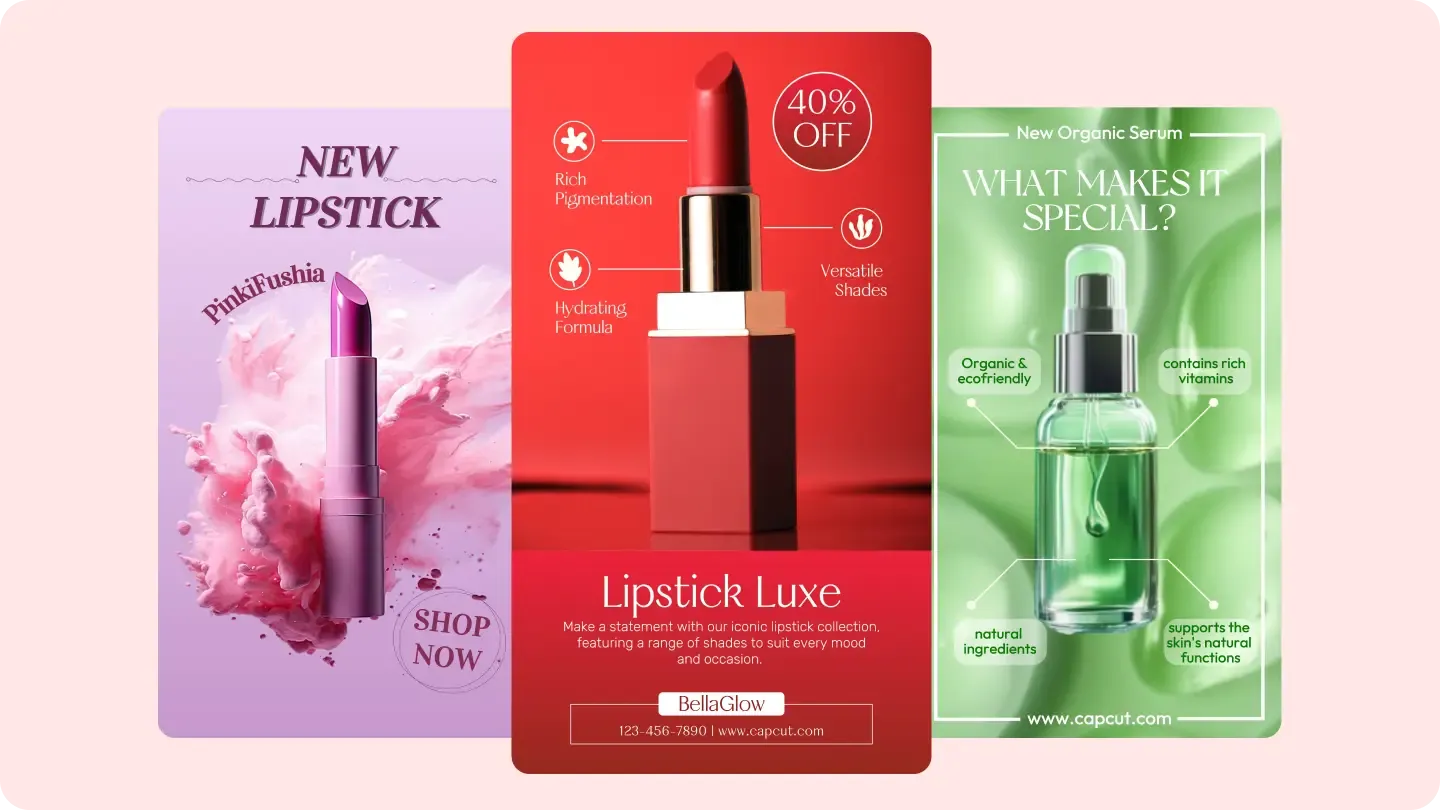
Process hundreds of product photos at once with consistent quality across every image. Perfect for e-commerce sellers who need uniform white-background shots for marketplace compliance, or ad teams preparing composite creatives for an entire product catalog.
Who It's For
Powerful campaigns that actually work — helping e-commerce brands, performance marketers, and agencies grow faster with less effort.
Deliver clean product cutouts faster than manual Photoshop editing — process dozens of shots in the time it takes to edit one.
Keep your product catalog looking professional — use the product background remover to standardize supplier images for marketplace listings.
Get ad-ready product cutouts for any campaign — the background remover for ads feeds directly into composite layouts and template workflows.
1 Day ·
Deliver clean product cutouts faster than manual Photoshop editing — process dozens of shots in the time it takes to edit one.

Product Photographers
Deliver clean product cutouts faster than manual Photoshop editing — process dozens of shots in the time it takes to edit one.
Why AdConvert
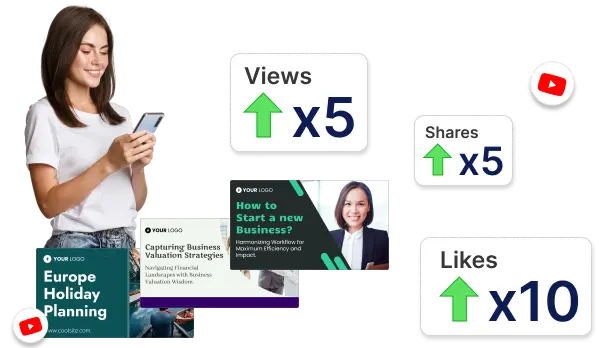
What takes 15 minutes per image in Photoshop, the background remover for ads does in 3 seconds. Process your entire product catalog in the time it takes to manually cut out one photo.
Eliminate expensive retouching software and outsourced editing fees — that 90% cost reduction comes from replacing manual product cutout workflows with AI-powered automation.
Clean product cutouts on optimized backgrounds consistently outperform raw product photos in ad campaigns — 4x better performance starts with removing the background before layout.
Before & After
| Dimension | Without AdConvert | With AdConvert |
|---|---|---|
| Background removal method | Manual pen tool selection in Photoshop — skill-dependent | AI background remover for ads — one click, consistent quality |
| Time per image | 10-15 minutes per product cutout in manual editing | 3 seconds per image with the product background remover |
| Batch capability | One image at a time — a bottleneck for full catalogs | Hundreds of product cutouts processed simultaneously |
| Edge quality | Inconsistent results — depends on the editor's skill level | 99% AI edge accuracy even on complex product shapes and fabrics |
How it works

Drop in the product photo you want to use — the background remover for ads processes it automatically and detects subject edges in seconds.

Inspect the AI-generated product cutout for edge accuracy and refine any fine details before moving the asset into your ad layout.

Move the clean product background remover output directly into image ads, creative templates, or size adaptation flows — no Photoshop needed.
FAQ
Common questions about this tool.
Use it before layout work, resizing, or template selection. A clean product cutout tool output at the start of the workflow prevents composition problems downstream.
It is most impactful there, but any ad team that needs cleaner hero assets — including SaaS, apps, and lifestyle brands — benefits from removing cluttered backgrounds before layout.
Yes. Running product cutout tool first is the recommended first step before generating image ad variants — cleaner input produces better creative output at every stage.
Upload JPG, PNG, or WebP files. The tool outputs a transparent PNG for seamless integration into any ad layout, template, or remove bg for ecommerce workflow.
The AI achieves 99% edge accuracy on most product images. Complex edges including hair, fabric, and transparent objects are processed with precision — no manual cleanup required.
Explore more related workflows to boost your ad creative efficiency
Create image ads from product photos with AI-powered layouts, offer framing, and multi-size export for Meta, TikTok, and Google. Start free today.
Batch-create image ad variations from one product photo. Structured layouts, automatic sizing, and multi-platform export — test more angles fast. Start free.

Start editing
Free to start · AI-powered ad creative system · Trusted by performance teams