




Subscribe button mapping
YouTube places a prominent subscribe button over your Shorts — see exactly where it lands so your CTA does not compete with it.
YouTube Shorts Safe Zone Checker
Free YouTube Shorts safe zone checker. Upload your video to see what gets hidden by subscribe buttons and UI — check safe area, no signup needed.
YouTube Shorts
Upload Image or Video
9:16 recommended
JPG, PNG, WebP, MP4, MOV · Max 50MB
Safe Zone Specs
YouTube places a prominent subscribe button over your Shorts — see exactly where it lands so your CTA does not compete with it.
The channel name, description snippet, and music info at the bottom consume 390px — your content needs to stay above this line.
Like, dislike, comment, share, and remix icons form a 120px wide column on the right side.
When Shorts appear in search or the Shorts shelf, thumbnails may be cropped differently — the checker simulates both full-screen and shelf views.
What It Does
The YouTube Shorts safe zone is the 900×1350px area within a 1080×1920 canvas where your content stays visible during full-screen playback. YouTube overlays the channel name, subscribe button, video description, music info, and interaction icons — consuming 180px at the top, 390px at the bottom, 60px on the left, and 120px on the right.
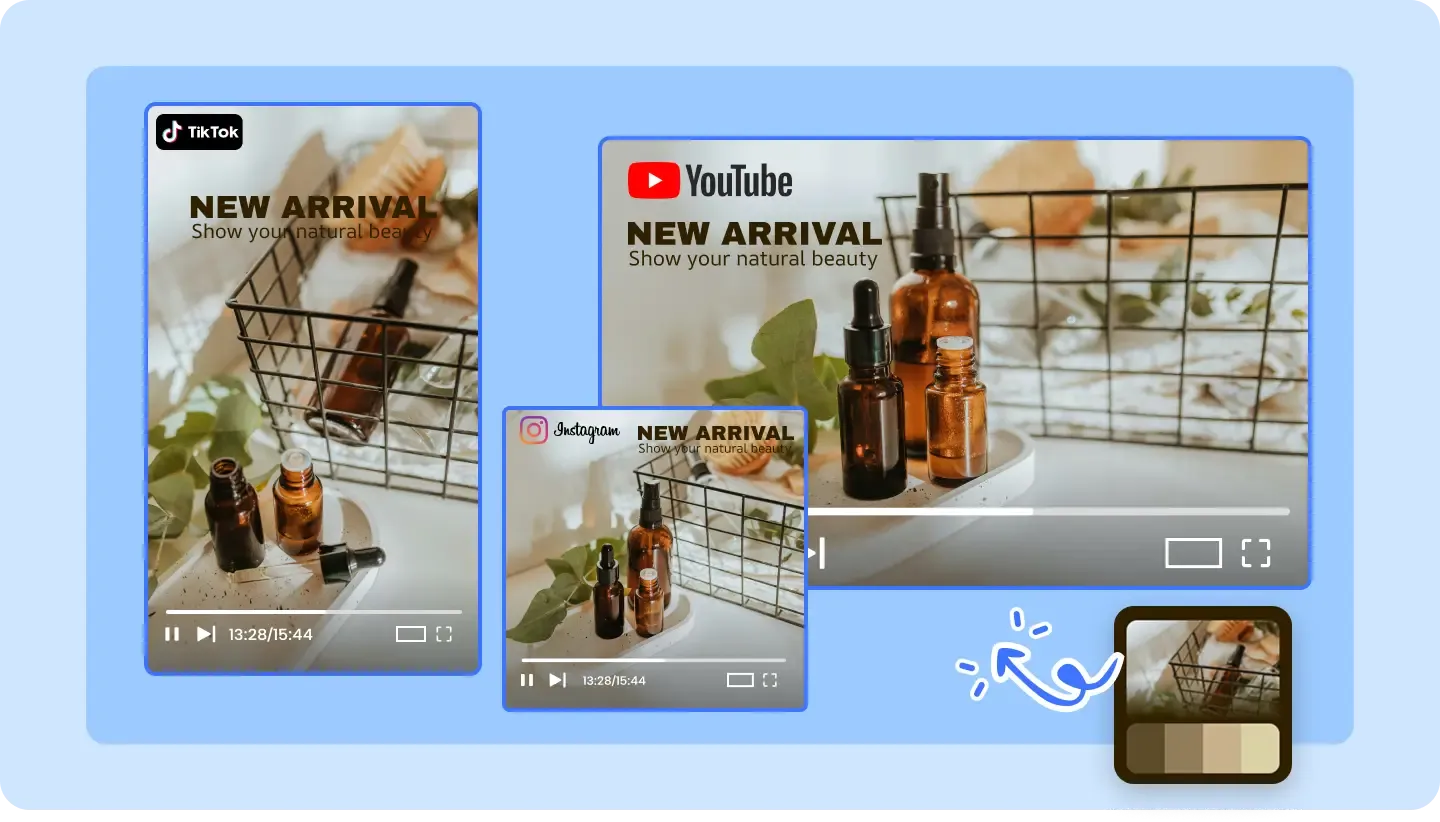
The top 180 pixels are covered by the status bar, back button, search icon, and three-dot menu on YouTube's Shorts player.
The bottom 390 pixels display the channel name, subscribe button, video description, music/audio info, and the navigation bar.
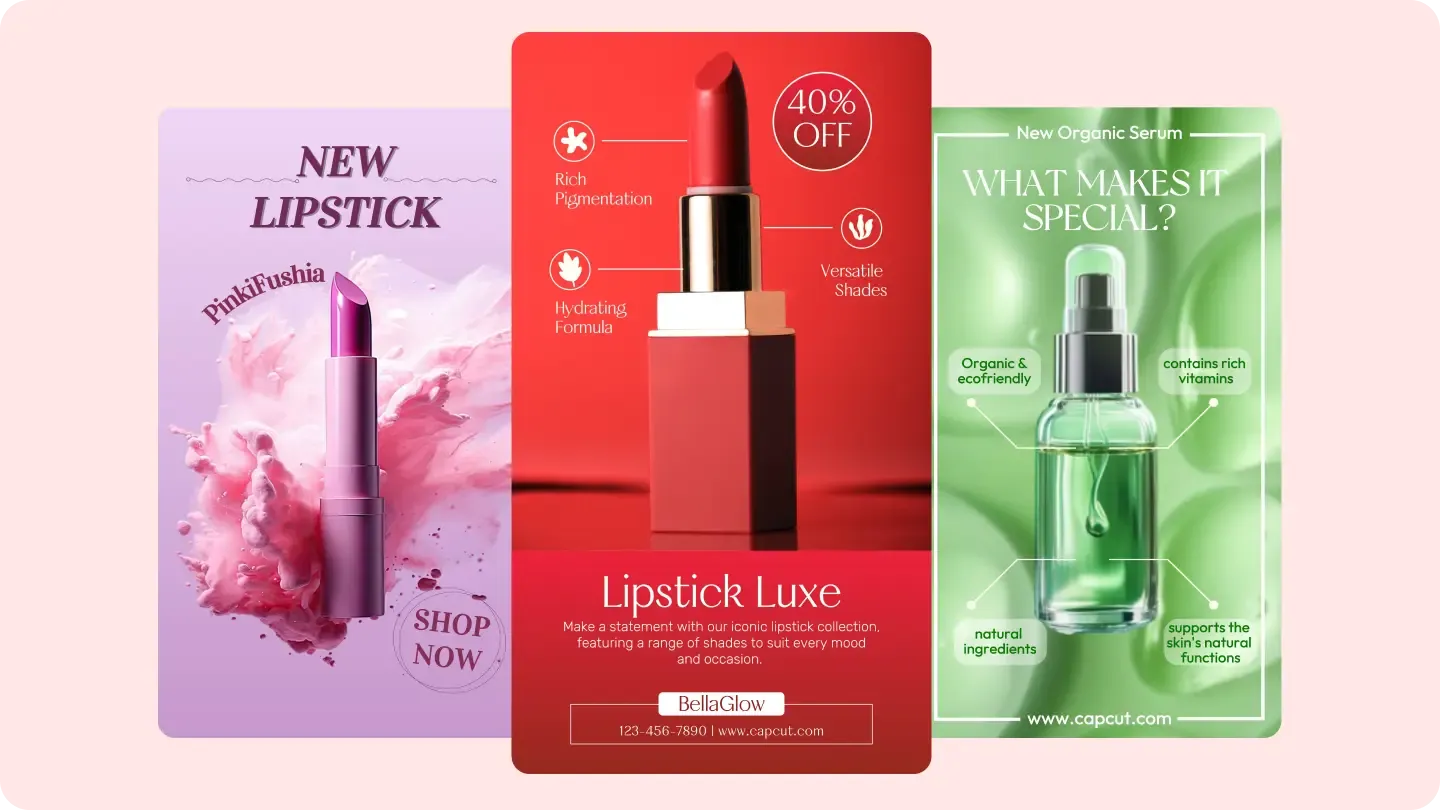
The right 120px hosts the like, dislike, comment, share, and remix icon column. The left has a 60px margin for edge spacing.
Why AdConvert
Shorts with readable text and clear thumbnails perform better in YouTube's recommendation feed and Shorts shelf.
Avoid placing your own CTA where YouTube's subscribe button sits — competing elements confuse viewers and reduce both actions.
If you repurpose TikTok or Reels content to Shorts, different margins mean different clipping — always recheck.
Before & After
| Dimension | Without AdConvert | With AdConvert |
|---|---|---|
| Title clipping | Video title text overlaps with YouTube's header controls | Title placed below the 180px top zone |
| Subscribe button conflict | Custom CTA button competes with YouTube's subscribe overlay | CTA positioned to complement, not compete |
| Description readability | Key product info hidden behind channel name and music ticker | Product info placed in the visible 900×1350 zone |
| Shelf thumbnail | Important visuals cropped out in the Shorts shelf view | Core content centered for both full-screen and shelf display |
How it works

Drag your 1080×1920 image or video frame into the checker.

The tool shows the 900×1350 safe area with YouTube-specific overlays mapped — subscribe button, channel info, and action icons.

Reposition any text, logos, or CTAs that fall outside the safe zone, then re-upload to verify.
FAQ
Common questions about this tool.
It is the 900×1350px region within the 1080×1920 canvas where content is not obstructed by YouTube's Shorts player UI — including the channel name, subscribe button, description, and interaction icons.
Safe zone is 900×1350px with margins: top 180px, bottom 390px, left 60px, right 120px. The top margin is the largest among short-form platforms due to YouTube's header controls.
YouTube Shorts has a larger top margin (180px vs 130px) but a smaller bottom margin (390px vs 484px). The right-side margins are similar (120px vs 140px). Always use the platform-specific checker.
In search results and the Shorts shelf, the thumbnail may be center-cropped to a smaller aspect ratio. Keep critical content (text, product, face) near the center of the frame for maximum visibility in all contexts.
You can, but you should not. TikTok and YouTube Shorts have different safe zone margins. Text that is safe on TikTok may be clipped by YouTube's header or subscribe button. Always re-check with the appropriate safe zone checker.
Place your watermark inside the safe zone but away from the right-side icon column. The upper-left or lower-left quadrant (within safe bounds) works best for Shorts.
Cross-Platform

Shorts-ready content
Free to start · AI-powered ad creative system · Trusted by performance teams