




Header-aware layout
See where the Instagram username, timestamp, and Story progress bar sit so your headline stays below them.
Instagram Story Safe Zone Checker
Free Instagram Story safe zone checker. Upload your content to preview what viewers actually see — check safe area instantly, no signup needed.

Instagram Story
Upload Image or Video
9:16 recommended
JPG, PNG, WebP, MP4, MOV · Max 50MB
Safe Zone Specs
See where the Instagram username, timestamp, and Story progress bar sit so your headline stays below them.
The bottom 155px is reserved for the reply input and swipe-up prompt — place CTAs above this zone.
Preview how interactive stickers (polls, quizzes, links) sit relative to safe zone boundaries.
Upload several Story frames and check each one without leaving the page.
What It Does
The Instagram Story safe zone is the 950×1610px area within the 1080×1920 canvas where your content is guaranteed to be visible. The remaining pixels are covered by the header (username + progress bar), the reply/message bar at the bottom, and thin side margins.
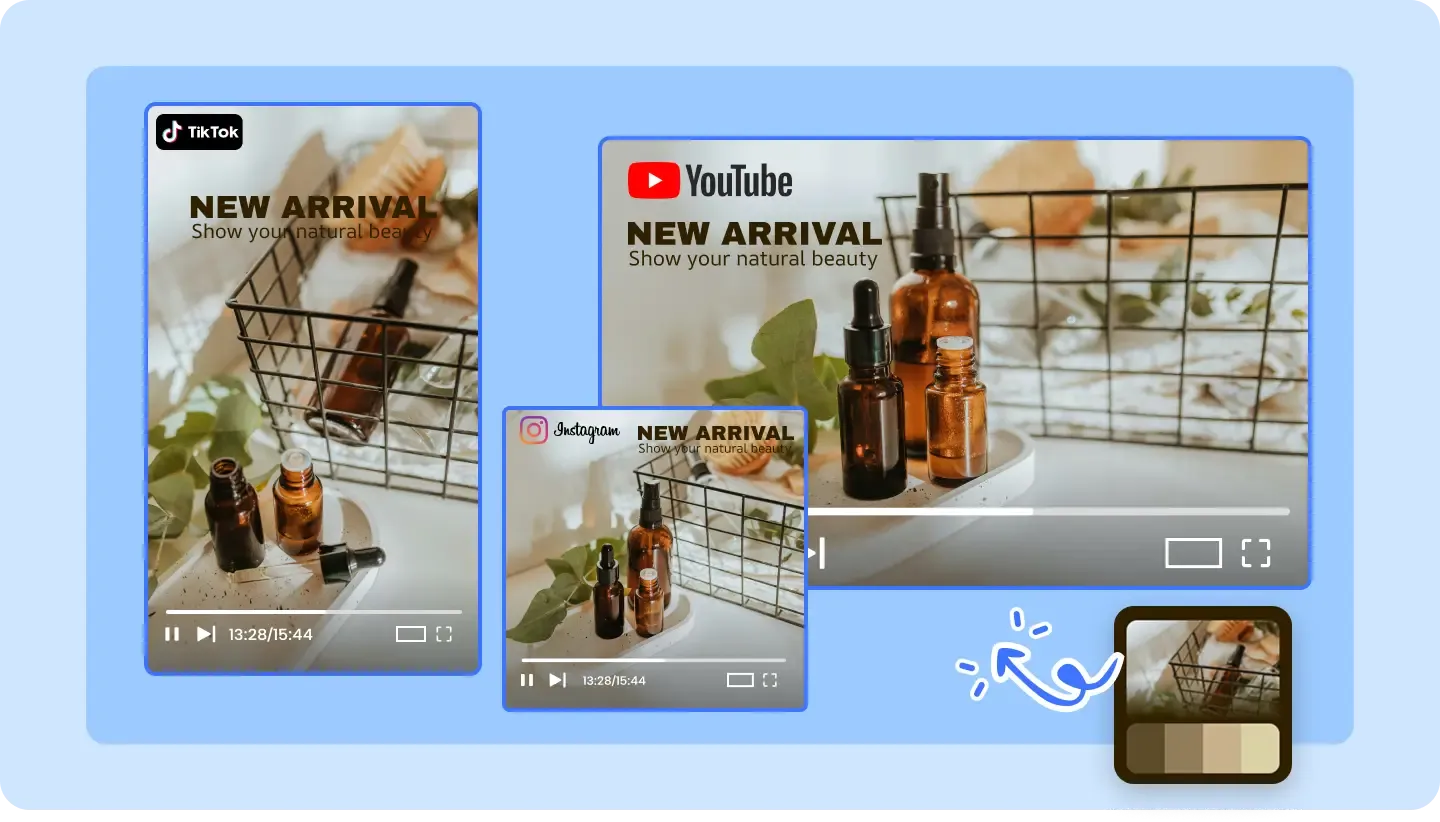
The top 155 pixels are occupied by the Story progress bar, username, profile picture, and timestamp.
The bottom 155 pixels hold the reply/message input, send button, and on some accounts the swipe-up link.
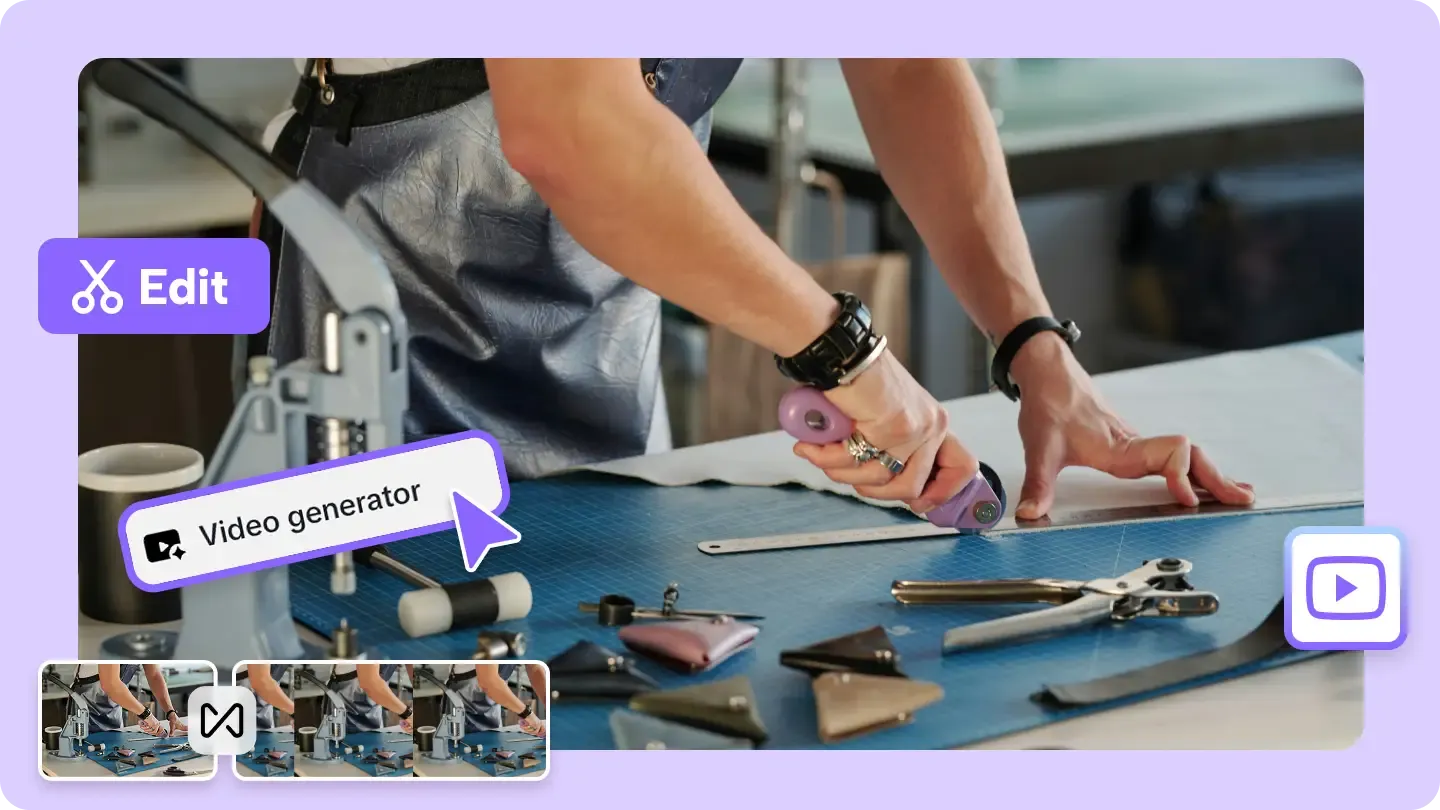

Symmetric 65px margins on left and right keep content away from screen edges and rounded corners on modern phones.
Why AdConvert

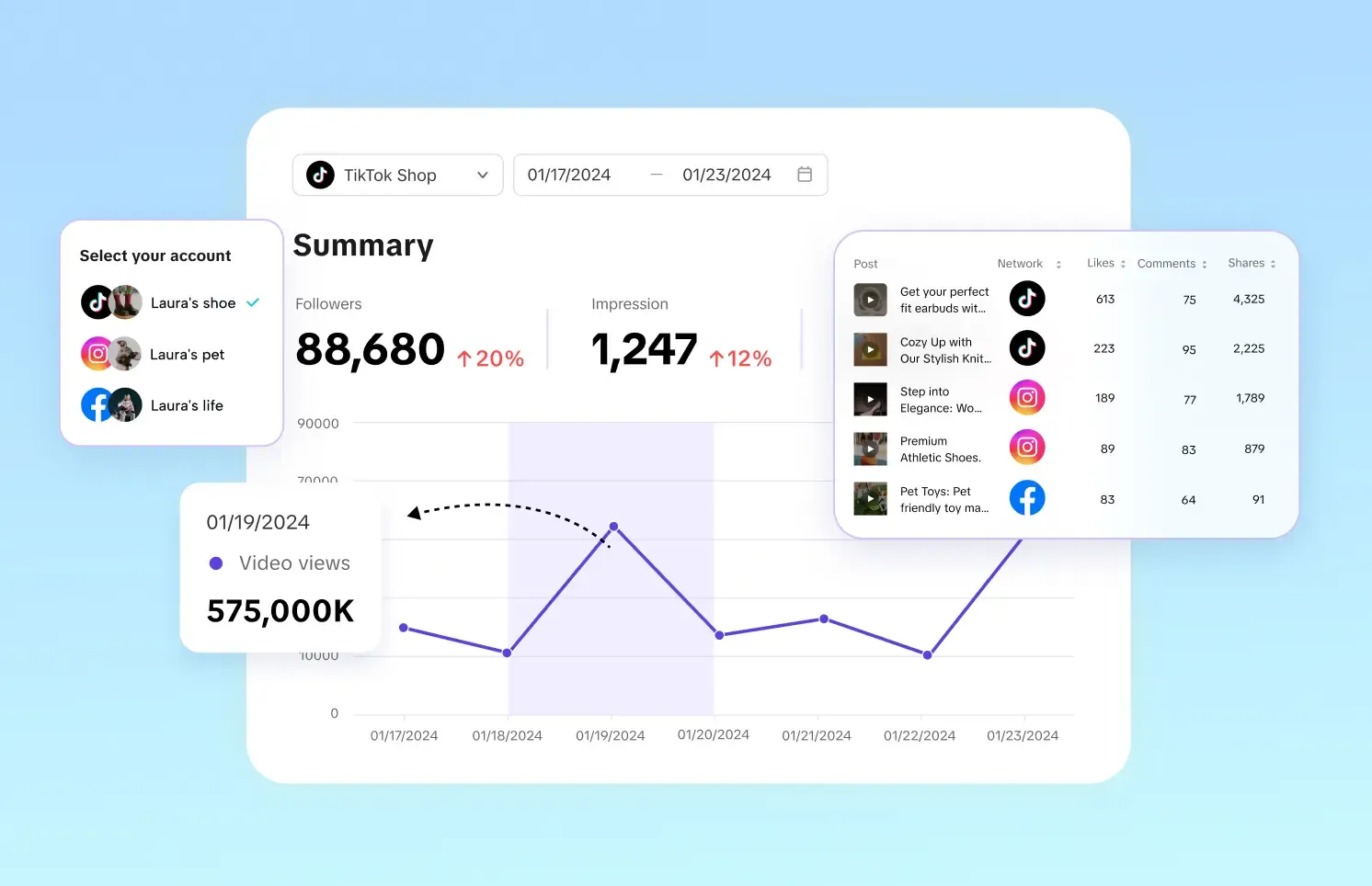

Interactive stickers like polls and link buttons render exactly where you intend — never overlapping the header or reply bar.
Catch layout problems before publishing instead of reworking Stories after they go live.
When every slide respects the same safe area, your Story arc reads smoothly from start to finish.
Before & After
| Dimension | Without AdConvert | With AdConvert |
|---|---|---|
| Header overlap | Headline text hidden under progress bar and username | Headline safely below the 155px header zone |
| Reply bar conflict | CTA or link sticker blocked by the message input | CTA placed above the reply zone for easy tapping |
| Multi-slide consistency | Each slide has text in a different position | Uniform text placement across all slides |
| Edge clipping on phones | Text cut off by rounded screen corners | 65px side margins keep content within safe bounds |
How it works

Drop your 1080×1920 image or video frame into the checker tool.

The 950×1610 safe area is highlighted; danger zones at top, bottom, and edges are shaded.

Reposition any elements that fall outside the safe zone, then re-upload to confirm.
FAQ
Common questions about this tool.
It is the 950×1610px area within the 1080×1920 Story canvas where content is not obstructed by Instagram's UI — the progress bar, username header, and reply input.
The safe zone is 950×1610px with symmetric margins: 155px top, 155px bottom, 65px left, and 65px right. Unlike Reels, Stories have equal top and bottom margins.
Stories have a smaller bottom margin (155px vs 320px) because they lack the music bar and extended caption area. The right-side margin is also narrower since Stories do not have the vertical interaction button column.
Place polls, quizzes, and link stickers within the 950×1610 safe area — ideally in the center or upper-middle region. Avoid the top 155px (header overlap) and bottom 155px (reply bar overlap).
Story Highlights thumbnails are displayed as circles, so the effective safe zone is even smaller — roughly a centered circle within the 1080×1920 frame. This checker focuses on the full-screen Story viewing experience.
Yes. Instagram Story ads share the same canvas and UI overlay layout as organic Stories — the same safe zone applies. Check your ad creative before submitting to Meta Ads Manager.
Cross-Platform

Design better Stories
Free to start · AI-powered ad creative system · Trusted by performance teams