Generate All Required Google Display Sizes in One Click — Message Intact
Generate all Google Display ad sizes in one click — 300x250 to 728x90 and 300x600. One layout becomes a full campaign-ready asset pack. No resizing needed.
Google display ad generator — 7 required GDN sizes from one production sessionHero message stays readable from 300x250 leaderboard down to 320x50 mobile bannerRetargeting and prospecting packs — both generated from the same base layout
Google Display Ads at Scale — No Design Team Needed
All 7 required GDN sizes, production-ready in minutes
Google's Display Network requires 300x250 (medium rectangle), 336x280 (large rectangle), 728x90 (leaderboard), 300x600 (half page), 160x600 (wide skyscraper), 320x50 (mobile banner), and 320x100 for full GDN coverage. The **google display ad generator** produces all seven from one base design — with message hierarchy, text-to-image ratios, and safe zones enforced at every size automatically.
Message clarity survives every crop — from 728x90 to 320x50
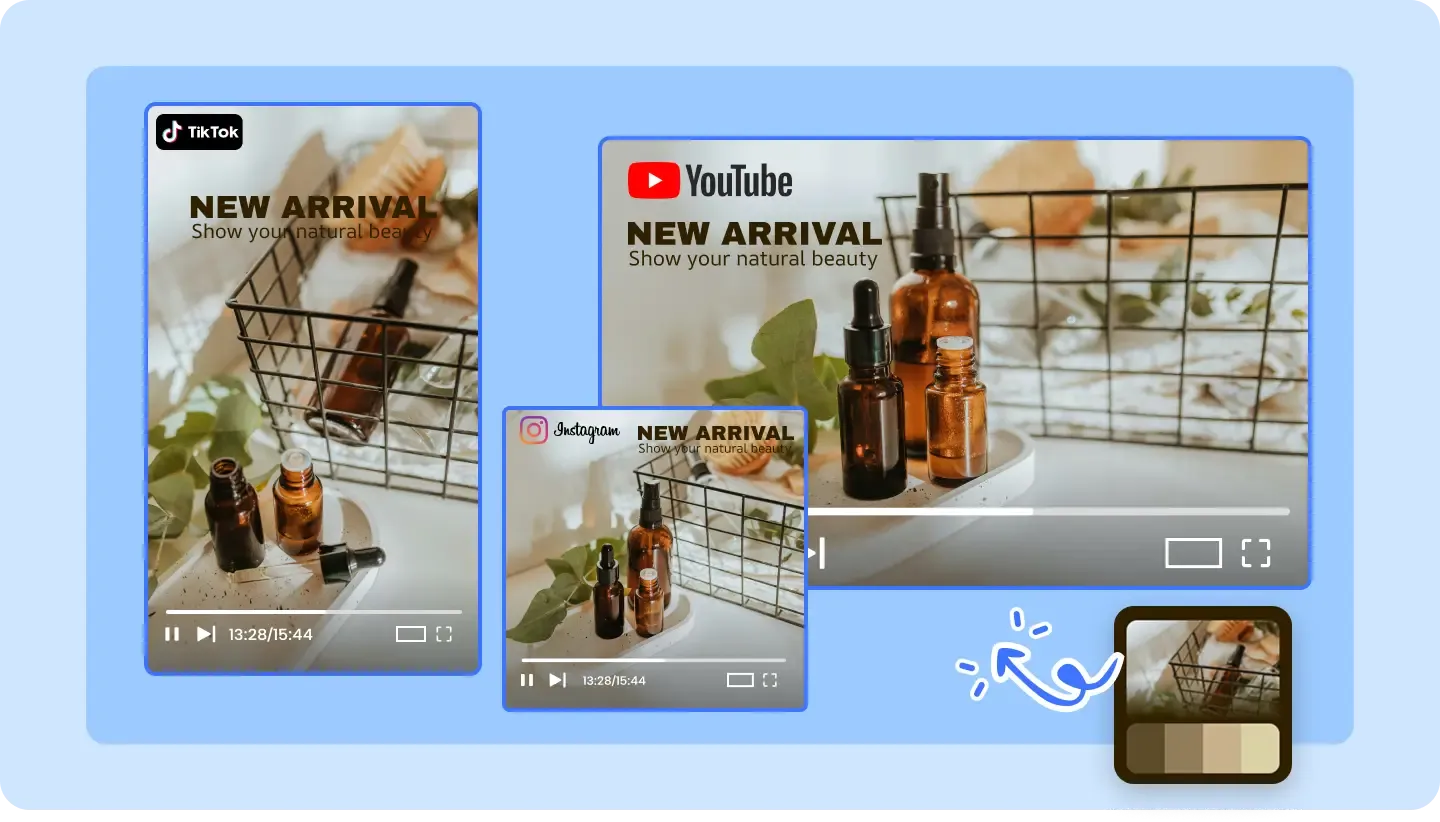
The hardest part of **google display ad sizes** production is keeping your headline readable and CTA visible when the canvas shrinks from a 728x90 leaderboard to a 320x50 mobile banner. The **display ad generator** preserves visual hierarchy automatically — logo, offer, and CTA stay prominent at every dimension, so the 300x250 medium rectangle and the 160x600 wide skyscraper tell the same story.
One concept, separate retargeting and prospecting packs for the GDN
Retargeting audiences on Google Display Network need urgency-focused creative with price points and limited-time offers; cold prospecting needs benefit-led messaging that introduces the product. Generate two distinct asset packs — one for retargeting, one for prospecting — from the same base design, each covering all **google display ad sizes** without doubling production time.
What It Does
What Is a Google Display Ad Generator?
A **Google Display ad generator** produces every required GDN banner size from a single creative upload. No manual resizing or art direction needed.
All IAB Sizes, One Click
Generate all standard Google Display sizes — 300x250, 728x90, 160x600, 336x280, 300x600, 320x50, and 320x100 — from a single creative source with intelligent layout adaptation that preserves your message at every dimension. The AI maintains visual hierarchy and readable CTA text from the 300x600 half-page format down to the 320x50 mobile banner, eliminating the manual resizing that typically takes hours of designer time per asset pack.
Responsive Display Ad Generation
Create Google Responsive Display Ads with multiple headlines, descriptions, and image assets — optimized for Google's machine learning to find the best-performing combinations across the GDN. Upload more asset variations and let Google's algorithm do the creative optimization while the display ad generator ensures each individual asset meets GDN policy requirements for text area and file size.
Retargeting-Ready Creatives
Generate banner ads specifically designed for GDN retargeting campaigns — with urgency elements, social proof badges, and offer-driven layouts in all required sizes (300x250, 728x90, 300x600, and 160x600) that bring site visitors back to complete their purchase. Dynamic templates adapt messaging for funnel stage — from browse abandonment to cart recovery — across every required google display ad size.
Why AdConvert
Why Generate Google Display Ads?
20+ Sizes Instantly
Skip the tedious resize-for-every-placement workflow — one upload generates 20+ standard IAB display sizes, including all 7 required GDN formats (300x250, 728x90, 300x600, 160x600, 320x50, 336x280, and 320x100), with correctly adapted layouts that maintain message hierarchy at every size.
80% Production Cost Reduction
Cut banner production costs by 80% — eliminate multiple design iterations across dozens of GDN sizes. The AI handles layout adaptation from 728x90 leaderboard to 320x50 mobile banner while maintaining visual quality and GDN policy compliance, freeing your design team for higher-value work.
Better Display Performance
Responsive display ads with multiple asset combinations let Google's ML optimize delivery across GDN inventory — providing 3–5× more data signals for the algorithm to find winning creative combinations. Pair responsive display ads with static sizes from the banner ad maker for both maximum GDN reach and precise creative control on retargeting placements.
Platform Ad Specifications
Ad Formats & Size Requirements
Medium Rectangle
Dimensions:300x250px
Format:JPG, PNG, GIF, HTML5
Max Size:150KB (image), 200KB (GIF)
Most versatile and widely used format
Keep text under 20% of image
Large Rectangle
Dimensions:336x280px
Format:JPG, PNG, GIF, HTML5
Max Size:150KB (image), 200KB (GIF)
Higher visibility than medium rectangle
Ideal for product showcases
Leaderboard
Dimensions:728x90px
Format:JPG, PNG, GIF, HTML5
Max Size:150KB (image), 200KB (GIF)
Horizontal layout works well for logos
Place CTA on the right side
Half Page
Dimensions:300x600px
Format:JPG, PNG, GIF, HTML5
Max Size:200KB (image), 250KB (GIF)
Large vertical format for maximum impact
Use for storytelling or product details
Mobile Banner
Dimensions:320x50px or 320x100px
Format:JPG, PNG, GIF, HTML5
Max Size:50KB (image), 100KB (GIF)
Minimal text, maximum clarity
Logo and CTA only for 320x50
Wide Skyscraper
Dimensions:160x600px
Format:JPG, PNG, GIF, HTML5
Max Size:150KB (image), 200KB (GIF)
Vertical storytelling opportunity
Stack content vertically
Responsive Display Ad
Dimensions:Auto-adapts to available space
Format:JPG, PNG, GIF, HTML5
Max Size:5120KB total assets
Upload multiple assets for flexibility
Google auto-generates size variations
Best Practices
Design for the smallest size first, then scale up
Keep text under 20% of total image area
Use high-contrast colors that stand out on any website
Include clear CTAs with action-oriented language
Test responsive ads vs. static sizes for performance
How it works
How to Create Display Ads in 3 Steps
1
Start from the base message
Define the campaign line, product visual, and CTA that all GDN sizes must communicate — the display ad generator uses this as the anchor for all size variations so your 300x250 and 728x90 stay message-consistent.
2
Generate size variations for GDN
Turn the core creative into all required Google Display Network sizes — 300x250, 728x90, 300x600, 160x600, 320x50, and more — with intelligent layout adaptation that maintains visual hierarchy across every dimension.
3
Review the complete asset pack
Check that all GDN sizes — from the 300x600 half page down to the 320x50 mobile banner — stay clear, on-brand, and GDN-policy compliant before downloading the production-ready asset pack.
FAQ
Google Display Ad Generator FAQ
Common questions about this platform.
Message hierarchy breaks as banner dimensions change — a layout that works at 300x600 often fails at 320x50 because there isn't room for the headline, image, and CTA at the smaller size. The google display ad generator solves this by adapting layout logic at each size rather than simply cropping a single master file.
Yes — that is exactly the intended workflow. Upload or build your hero creative (typically starting at 300x250 or 728x90), then generate the complete GDN asset pack covering all required sizes from that single source. The generator adapts layout, text scaling, and visual hierarchy for each dimension.
No — the generator eliminates repetitive manual resizing, but final review still matters before launching on the Google Display Network. Check that every size meets GDN policy (under 150KB file size, under 20% text area), and verify that your CTA is readable at the smallest dimensions like 320x50 and 160x600.
Google Display Network requires: 300x250 (medium rectangle — highest inventory volume), 336x280 (large rectangle), 728x90 (leaderboard), 300x600 (half page), 160x600 (wide skyscraper), 320x50 (mobile banner), and 320x100 (large mobile banner). Responsive display ads automatically adapt, but static versions at all sizes give you full placement control across the GDN.
Design with a strict visual hierarchy: logo and headline take priority, followed by the key image or product visual, with CTA at the bottom. Test that your core message is readable at your smallest sizes — 320x50 and 160x600 — first. If the message survives those dimensions, it will read clearly at 300x250 and 728x90 as well. The display ad generator enforces this hierarchy automatically.
Both serve different purposes. Responsive display ads let Google's ML optimize creative combinations across GDN inventory — ideal for prospecting campaigns where you want maximum reach. Static display ads at all required sizes give you precise creative control — critical for retargeting where messaging must be exact. Run responsive display ads for scale; use static sizes from the banner ad maker for control and brand-sensitive placements.
Related Tools & Resources
Explore more related workflows to boost your ad creative efficiency
Free to start · AI-powered ad creative system · Trusted by performance teams
AI Image AdsAI Video AdsCreative TestingImage AdsBackground RemoverUGC Video AdsProduct VideosURL to VideoScript GeneratorAd ResizerAI Image AdsAI Video AdsCreative TestingImage AdsBackground RemoverUGC Video AdsProduct VideosURL to VideoScript GeneratorAd Resizer